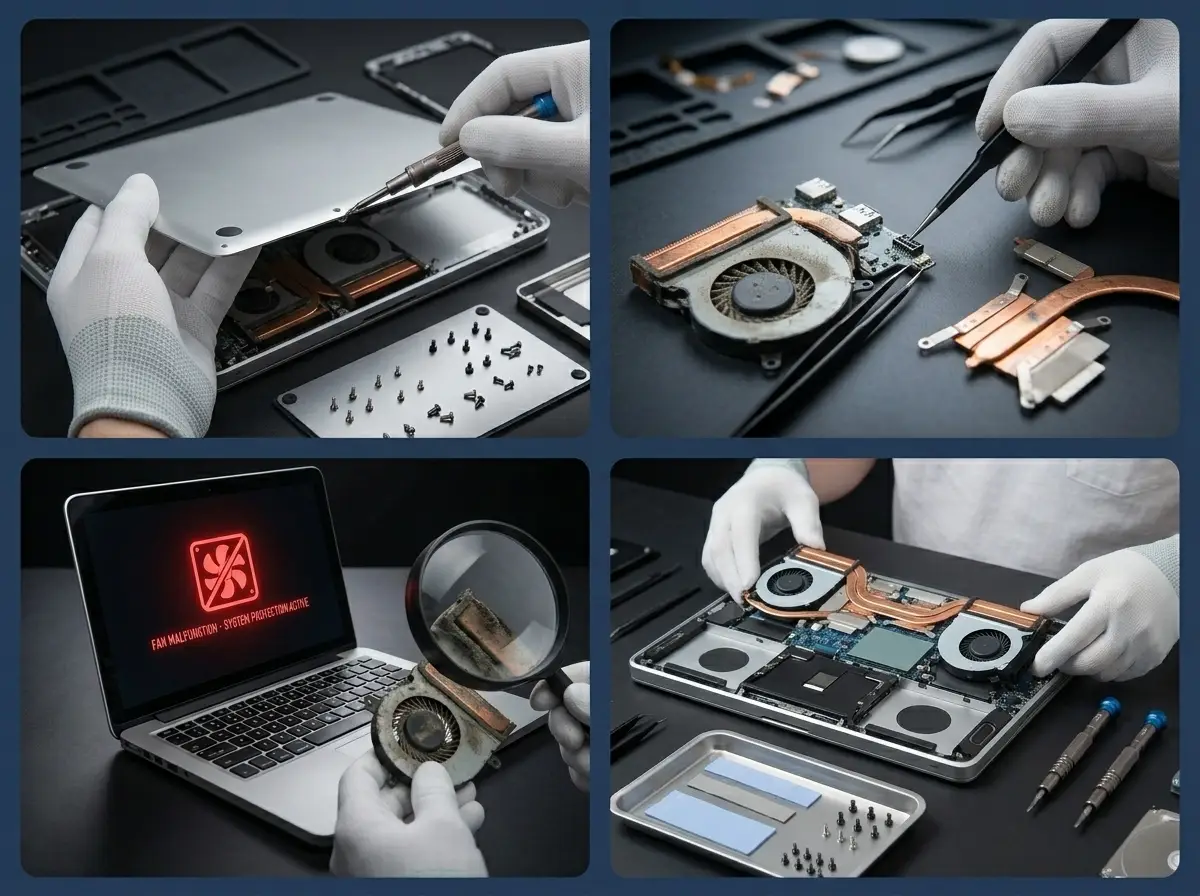
Certified Laptop Fan Repair in Las Vegas
Get your laptop fan repair done by certified technicians at LaptopTech.Net. Whether your fan is loud, slow, or completely dead, we offer same day laptop cooling fan repair using OEM parts.


Don't Let a Broken Fan Burn Your Laptop
Every Laptop Fan Issue Diagnosed & Fixed in One Visit
In Las Vegas searing heat, every 2 out of 5 laptop users complain about their laptops overheating and shutting down randomly. At LaptopTech.Net, we are the most trusted laptop fan repair shop in Las Vegas. We fix laptop CPU fan repair issues across every brand, including Dell, HP, Lenovo, Asus, and more.
Whether it is a laptop fan noise troubleshooting or a full laptop cooling fan repair, we handle it all with genuine parts and a service warranty. Stop cooking your processor. Book a laptop fan repair with us today.
Discover Our Exclusive Range of Laptop Fan Repair & Replacement Services
Being certified for Dell, HP, ASUS, and more, we fix every fan issue from a single noisy fan to a completely dead cooling system. Plus, we offer every laptop cooling fan repair service you are stuck with.

Loud Fan Noise Fix
Your laptop fan is suddenly making loud noises during simple tasks like browsing or typing. The dust clogs the fan blades and heatsink fins, forcing the fan to spin faster to push the same airflow. We fix loud laptop fan noise by deep cleaning the entire cooling assembly, replacing dried thermal paste, and testing temperatures under full load.
Fans Constantly Running Repair
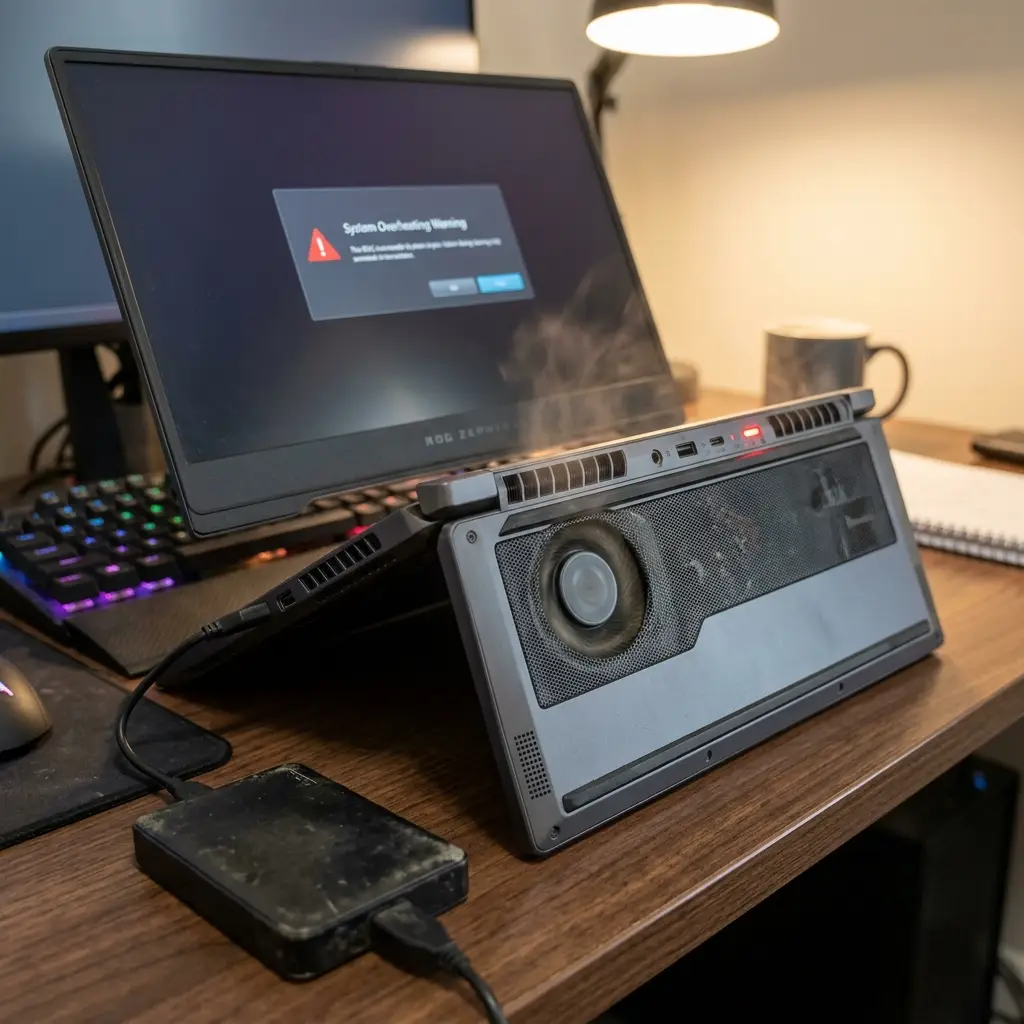
Is your laptop fan never stopping spinning, even when the laptop is idle or doing nothing heavy? The CPU is running hotter than it should due to a blocked vent, failing fan, or degraded thermal paste. Our repair team diagnoses the root cause of fans constantly running by checking airflow, thermal compound condition, and BIOS fan curve settings, and fixes it properly.
Grinding or Rattling Noise Repair
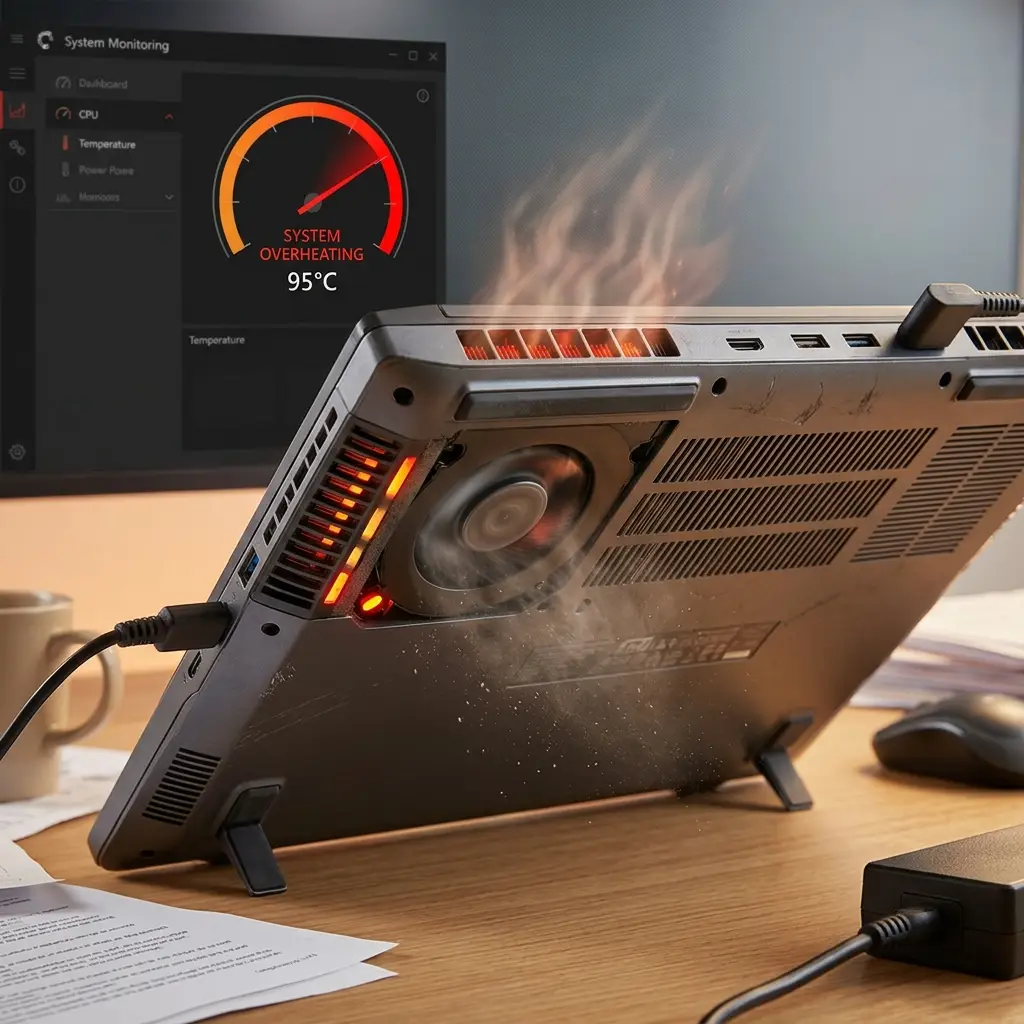
Sometimes, the laptop makes a grinding, rattling, or clicking sound every time the fan spins up. This is almost always a worn out fan bearing or a loose fan blade physically hitting the housing. We replace the faulty fan unit with a genuine OEM laptop fan replacement part matched to your exact model — Dell Inspiron, HP Pavilion, Lenovo IdeaPad, and more.
Fan Not Spinning or Not Working Fix
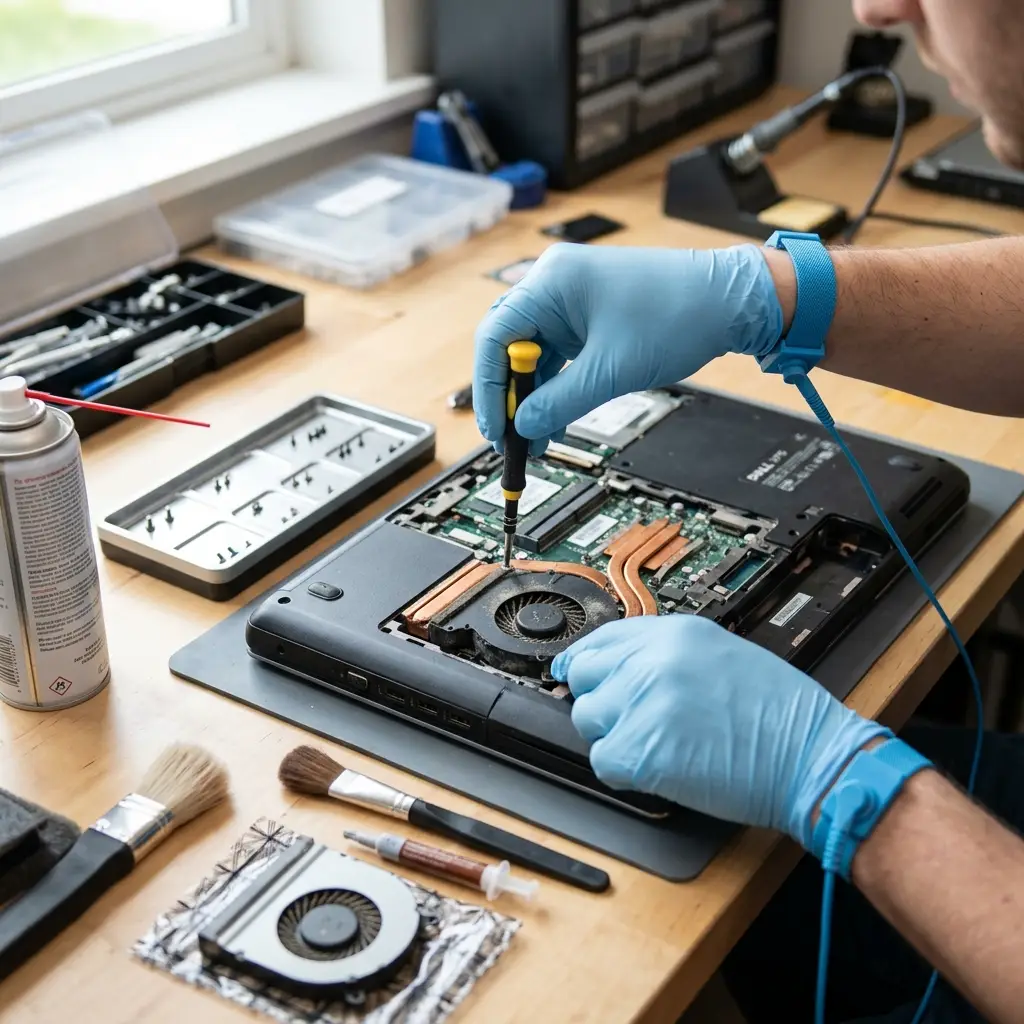
A dead fan motor, disconnected fan cable, or failed fan controller on the motherboard can overheat the laptop. We perform a full laptop CPU fan repair by testing the fan connector, checking motherboard fan headers, and replacing the unit if the motor has seized before your processor takes permanent heat damage.
Frequent Fan Start/Stop Cycles Repair
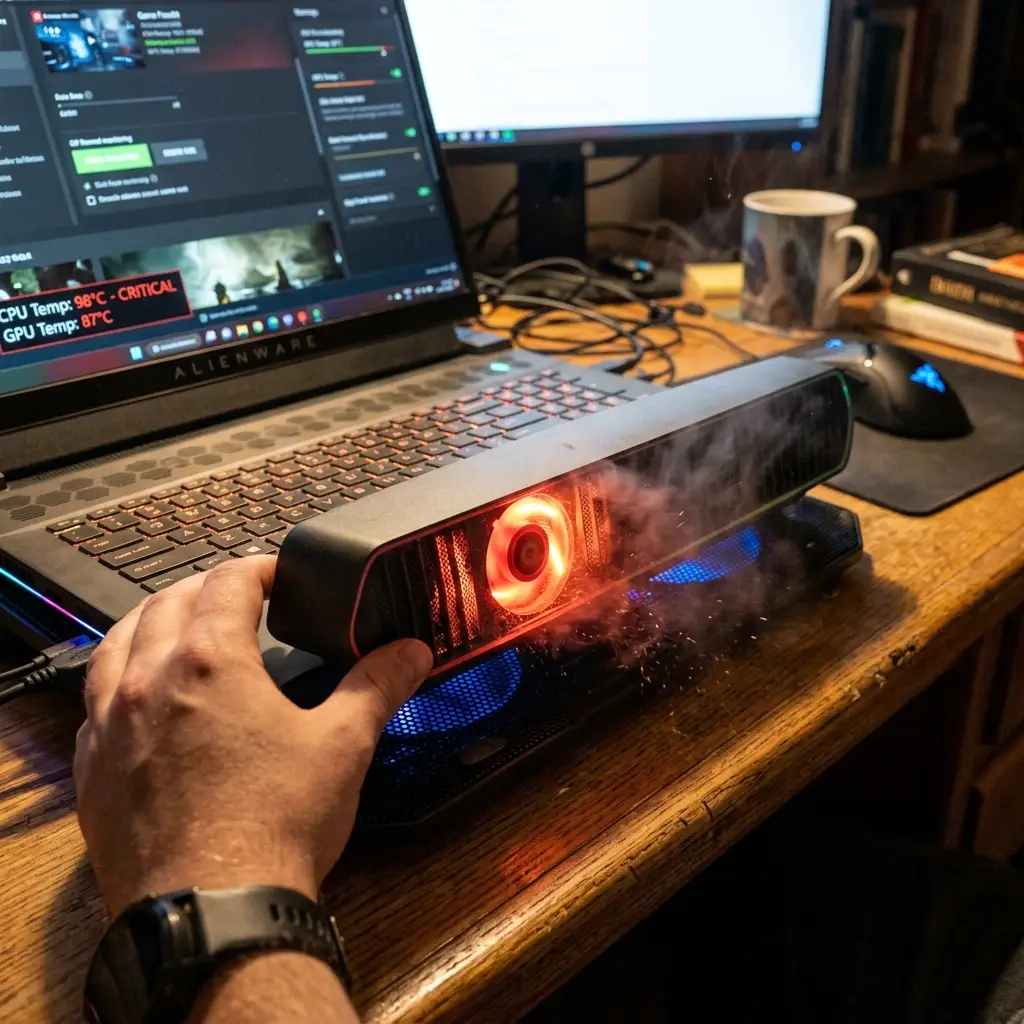
Dirty temperature sensor, incorrect BIOS fan settings, or a fan that cannot maintain consistent RPM due to a weak motor. We fix frequent fan start/stop cycles by recalibrating thermal sensors, updating firmware, and replacing the fan if it cannot hold a stable speed. This problem is quite common in HP Spectre, Dell XPS, and Asus ZenBook models.
High-Pitched Whining Noise Fix
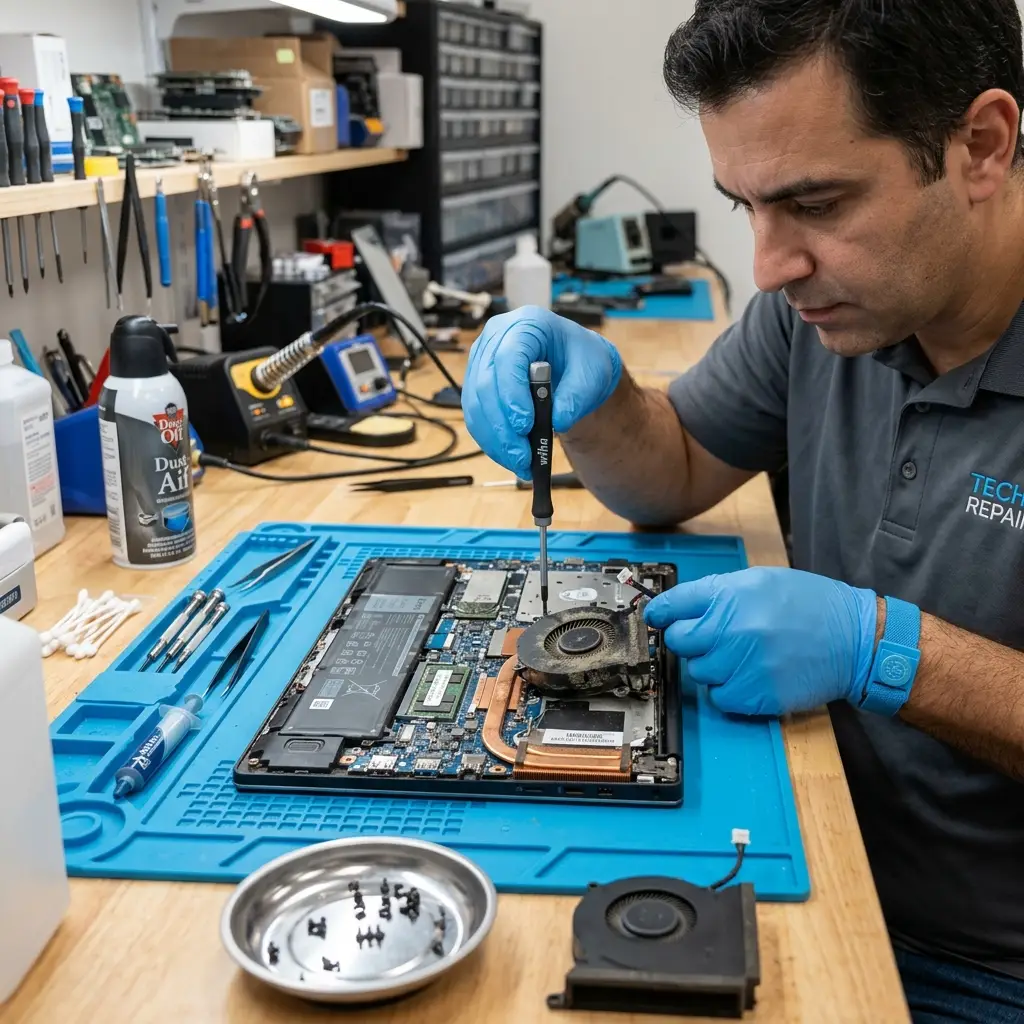
Your laptop emits a sharp, high-pitched whining or squealing sound that gets worse under load. A failing fan bearing that is dry or damaged causes metal-on-metal friction at high RPM. We fix high-pitched laptop fan whining by replacing the fan bearing or the full fan assembly using OEM parts. Our laptop repair shop restores quiet system operations with a full service warranty.
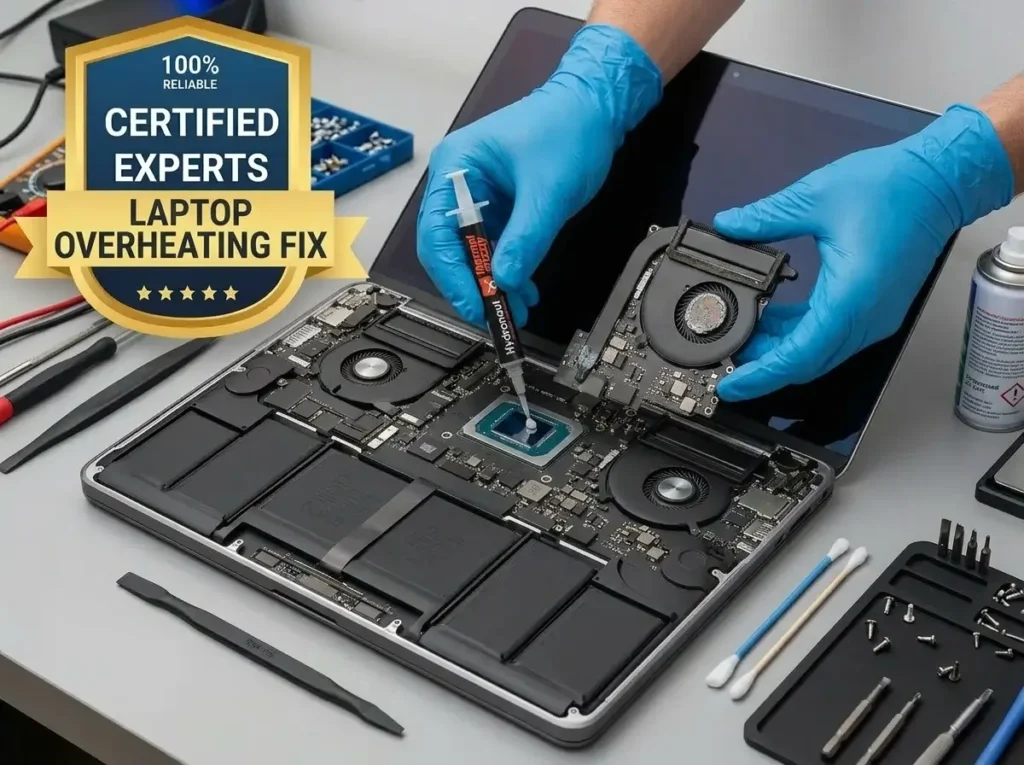
Avail Amazing Discounts & Deals on Same Day Laptop Fan Repair
Skip the overheating. Book a laptop fan repair near me in Las Vegas/Henderson with real OEM parts and trusted repair technicians for reliable service and solutions.
Chat With Us Get a FREE Estimate
Las Vegas's Coolest Laptop Repair Shop
Guaranteed Fix PC Fan Solutions Customized for Your Devices
A wrong fan replacement can cause incorrect RPM signaling, BIOS errors, or even worse overheating than before. We match every laptop fan replacement part by OEM part number for your exact model. We hold active service agreements with hundreds of businesses across the Las Vegas Valley.
Our repairs come with a full warranty, and we follow manufacturer disassembly guidelines for every chassis. Laptop fan repair cost is always quoted upfront. Join thousands of happy locals who chose LaptopTech.Net for laptop cooling fan repair in Las Vegas.
One Visit, Zero Overheating Forever
Our Technicians Claim to Fix Every Laptop Fan Brand and Model
If your laptop is overheating under load. Or randomly, your Dell Inspiron shuts down at 90°C. Don’t ignore these ultimate overheating warning signs. We handle it all. No matter the brand or model, we fix it the same day.
- Dell laptop fan repair for Inspiron, XPS, Vostro, Latitude
- HP laptop fan repair in Pavilion, Envy, Spectre, and EliteBook
- Lenovo ThinkPad and IdeaPad cooling fan fixes
- Asus ROG, ZenBook, and VivoBook fan replacements
- MSI, Razer Blade, and Alienware gaming fan repairs
- Desktop and fix PC fan services for custom PCs and all-in-ones

LaptopTech.Net IS Your ONLY Nearest Repair Shop for Reliable FanSolutions
We have customers from 2010 who keep coming back. Read our Google reviews to see why Las Vegas trusts LaptopTech.Net.

Fast Turnaround
Most laptop fan repair jobs are done the same day. We prioritize speed without cutting corners or skipping thermal testing after the fix.

Honest Laptop Fan Repair Cost
Most laptop fan repair jobs are done the same day. We prioritize speed without cutting corners or skipping thermal testing after the fix.

Honest Laptop Fan Repair Cost
We give you a firm laptop fan repair price upfront. That number includes parts, labor, and warranty. The price we quote is the price you pay.

OEM Replacement Parts
We only use genuine laptop fan replacement parts matched by model. No generic off-brand fans that fail in 3 months and void your warranty.
Service Areas
We proudly serve Las Vegas, Henderson, Downtown, North Las Vegas, The Strip, Silverado Ranch, Southern Highlands, Summerlin, Anthem, and Seven Hills. Walk-ins welcome for laptop fan repair near me.
Laptop fan repair cost at LaptopTech.Net depends on the brand and model. Dell and HP fan replacements are cheap. Gaming laptop fans cost more due to proprietary parts. We always give a fixed laptop fan repair price before starting any work.
A sudden increase in fan noise usually means dust buildup is blocking airflow, the fan bearing is worn out, or thermal paste has dried up, and the CPU is running hotter than normal. Laptop fan noise troubleshooting at our shop includes cleaning, repasting, and bearing inspection in one visit.
If you want to know how to check if a fan is working on a laptop, listen for fan spin when you run a heavy app, or use free tools like HWMonitor or SpeedFan on Windows, or iStat Menus on Mac, to check RPM readings. If RPM reads zero under load, your fan has failed and needs laptop CPU fan repair immediately.
Start with cleaning the vents and fan blades, replacing dried thermal paste, and adjusting power settings to lower the CPU temperature. If the fan bearing is damaged, cleaning alone will not help; a replacement is needed.
Most laptop cooling fan repair jobs at LaptopTech.Net are completed the same day, often within 1–3 hours. Complex models for gaming laptops with dual-fan setups may take a few extra hours due to chassis disassembly.