Certified Laptop Overheating Fix in Las Vegas
Get a professional laptop overheating service in Las Vegas with our certified technicians. We offer same-day fixes for every overheating laptop issue. With years of local experience and genuine OEM parts, LaptopTech.Net is Vegas’ first choice.


Cool Down Fast. Fix It Right. Same Day.
Professional Overheating Repair Service & Solutions for All Laptops
Welcome to Las Vegas’s most trusted laptop overheating fix shop. Whether your laptop CPU is overheating during Zoom calls, your overheated laptop screen is going black randomly, or your gaming laptop shuts itself off mid-session. We diagnose and fix it all.
Our laptop technicians handle everything! From a clogged fan on a Lenovo laptop overheating to thermal paste failure, and burnt circuits on an HP laptop. So the only step you need to take is to walk into our certified repair shop in Las Vegas.
Our Diverse Laptop Overheating Repair & Fix Service Options
Being certified for Dell, HP, ASUS, and more, we fix every problem of an overheating laptop. Whether it’s a dead fan, clogged vents, or wrong power settings.

Cooling Fan Fix
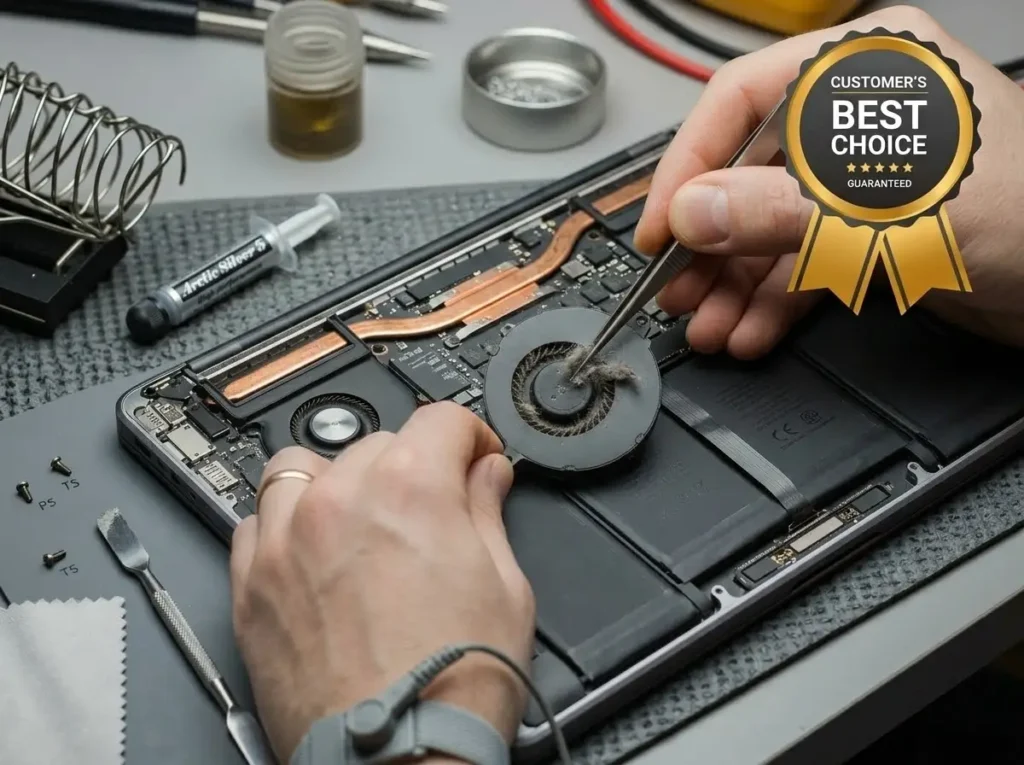
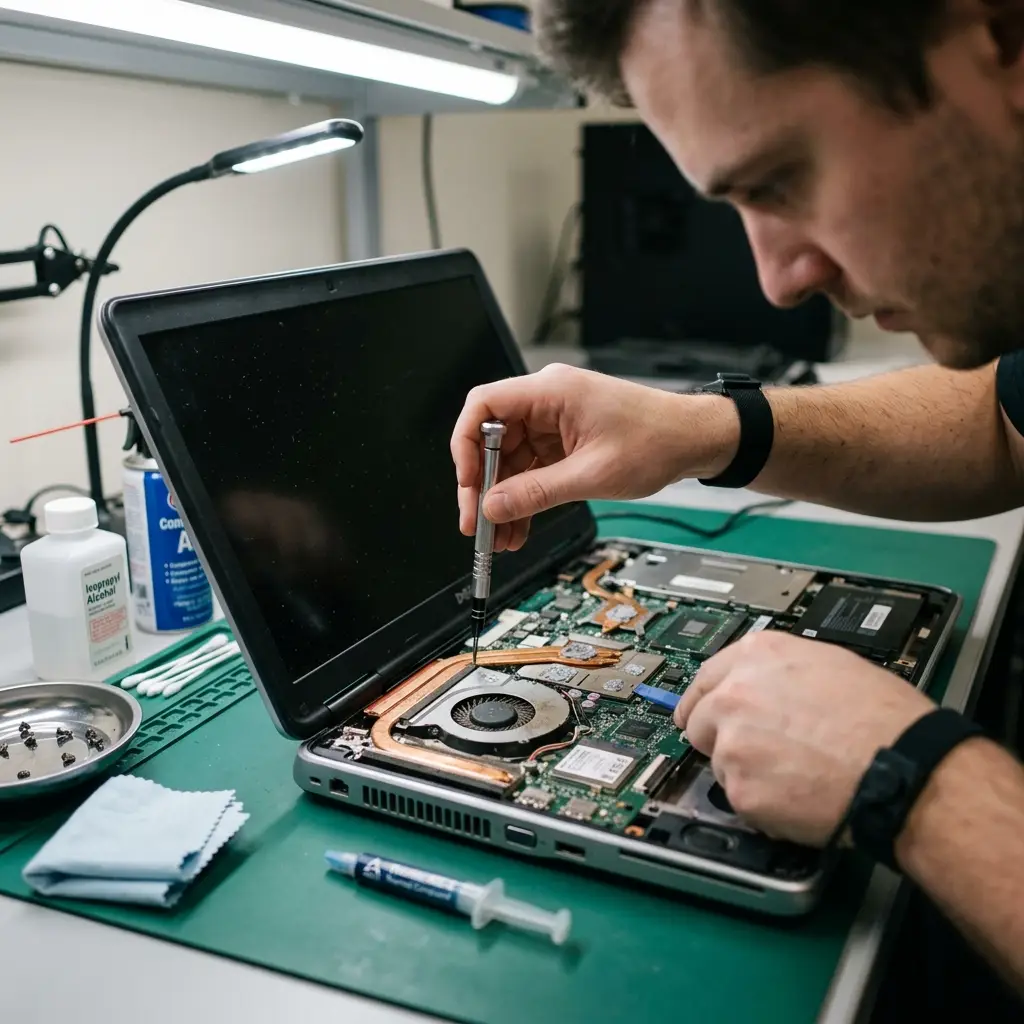
When the fan fails, heat builds up instantly on the CPU and GPU with nowhere to go. We see this constantly on Dell laptop overheating models like the Inspiron 15 and XPS 15, and on HP laptop overheating units like the Pavilion and Spectre. Our technicians disassemble your laptop, test the fan motor, and replace it with a genuine OEM fan matched to your exact model.
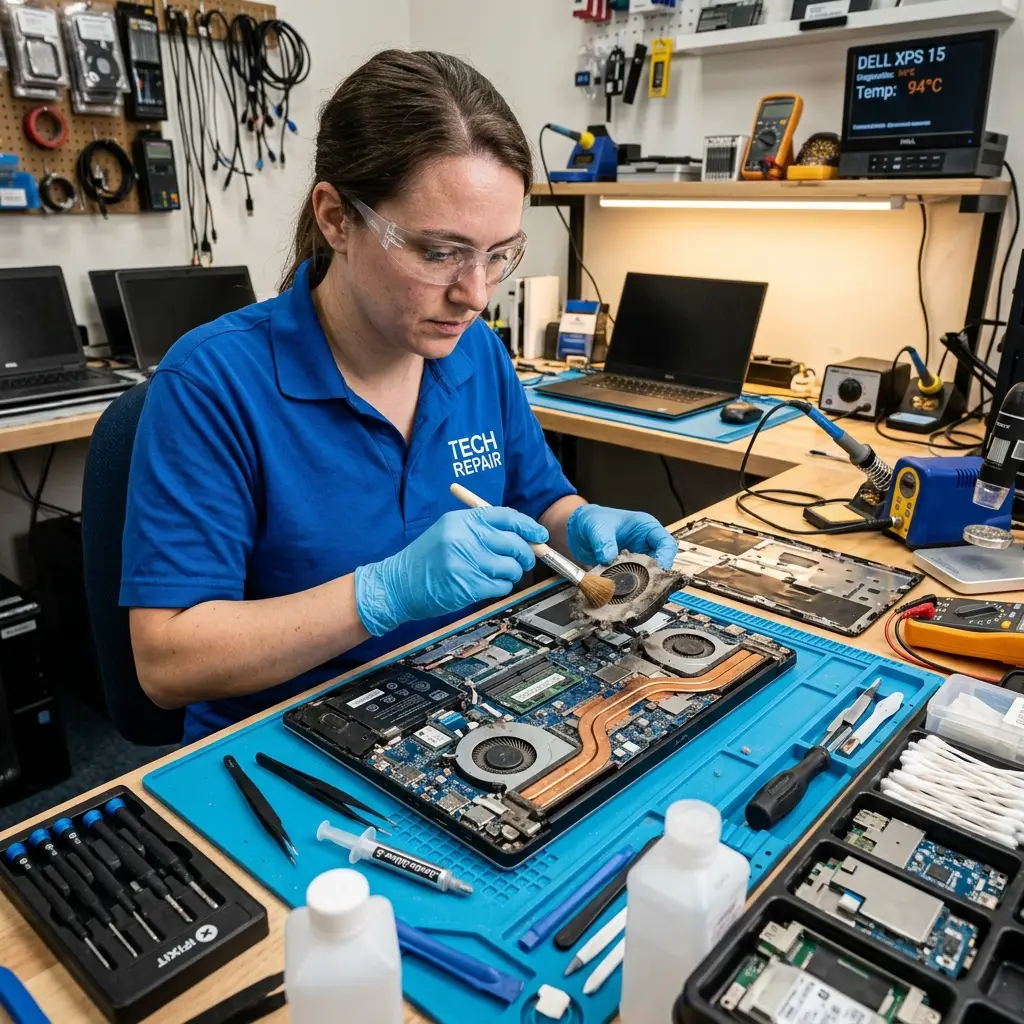
Cleaning Air Vents and Fans
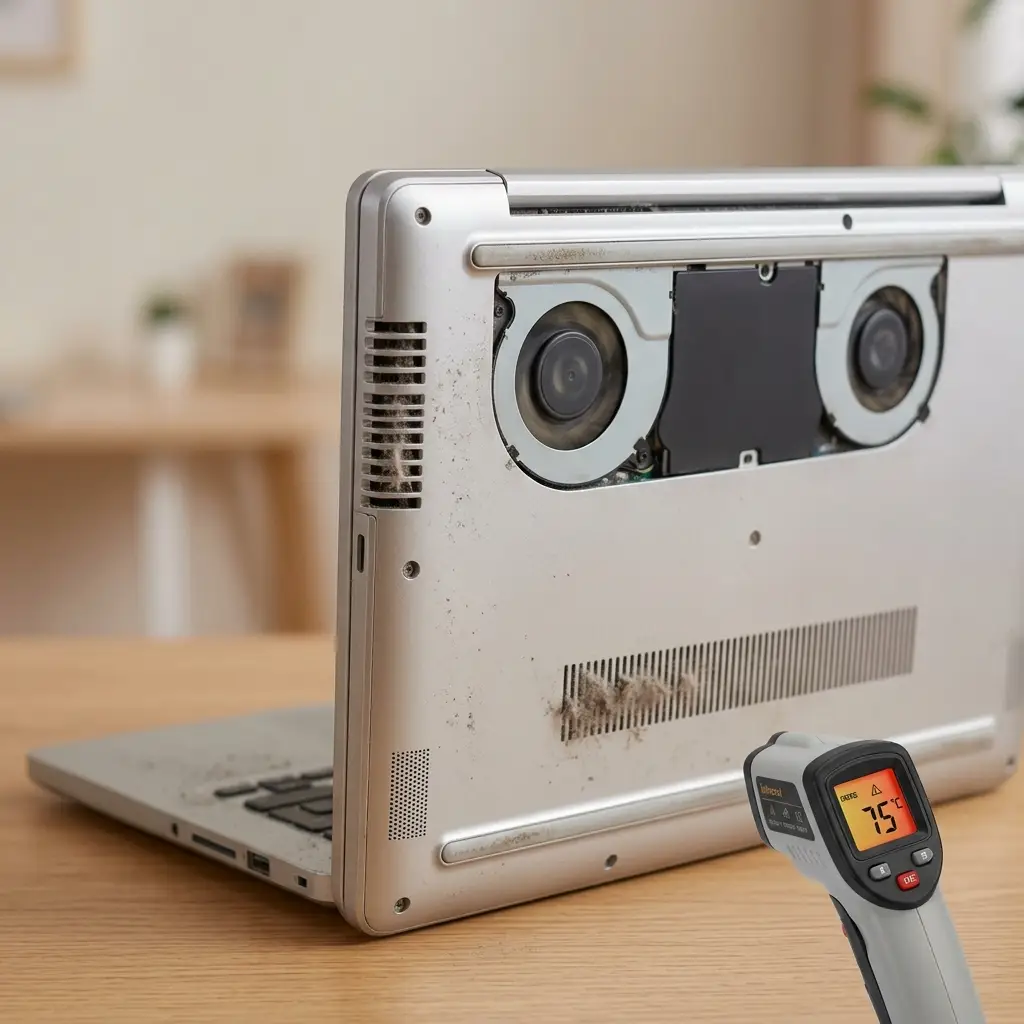
Your laptop feels hot to the touch, and the fan runs all the time loudly. We deep clean every vent channel, fan blade, and heat pipe using professional tools without breaking any internal components. If you've tried everything to stop laptop from overheating, and nothing has worked, a professional vent and fan cleaning service is always the smart solution to trust.
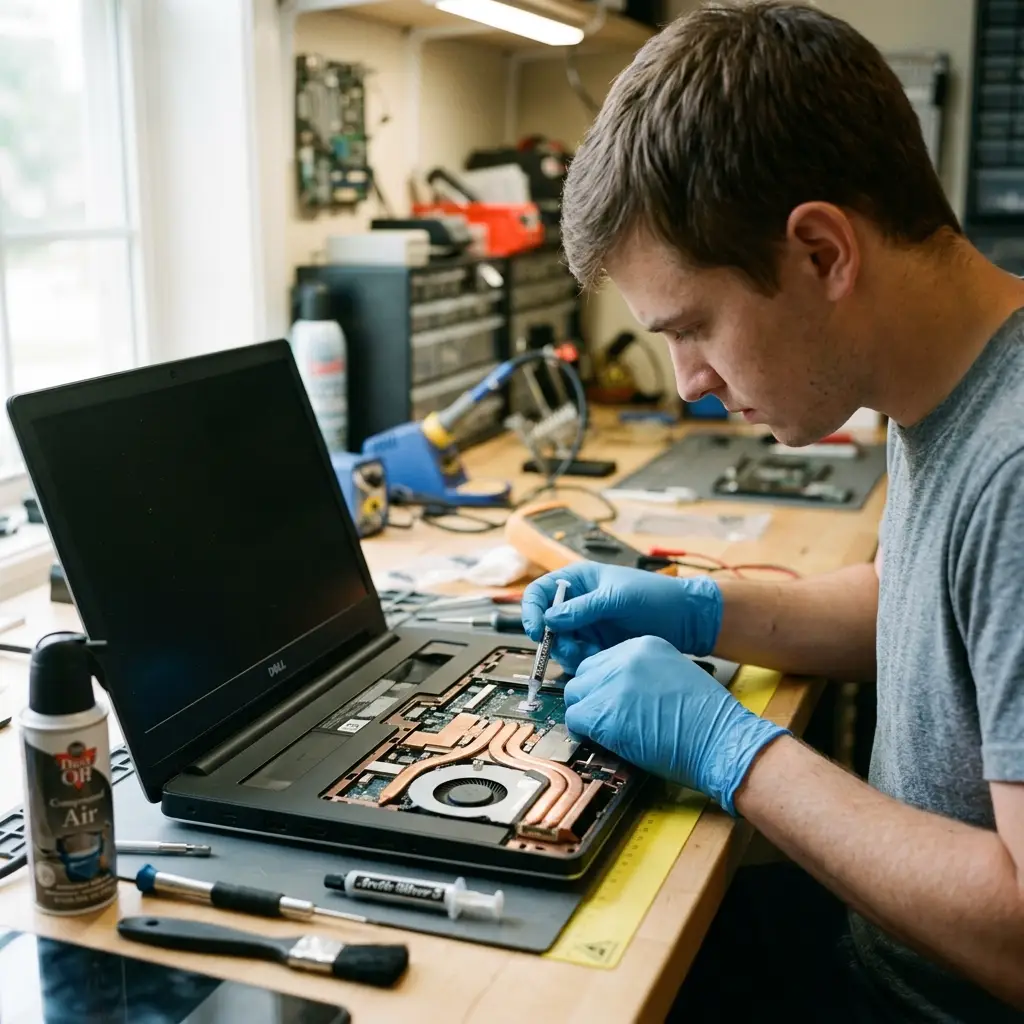
Thermal Paste Replacement
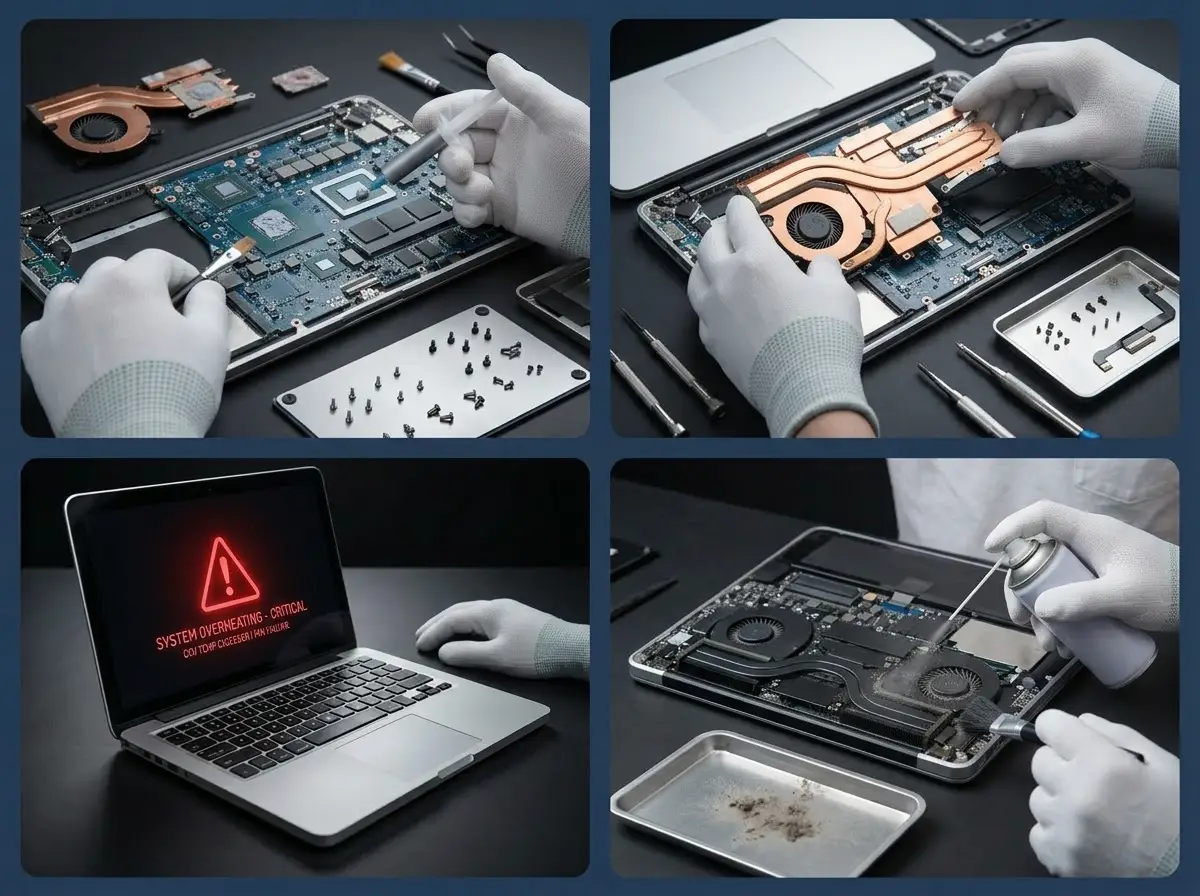
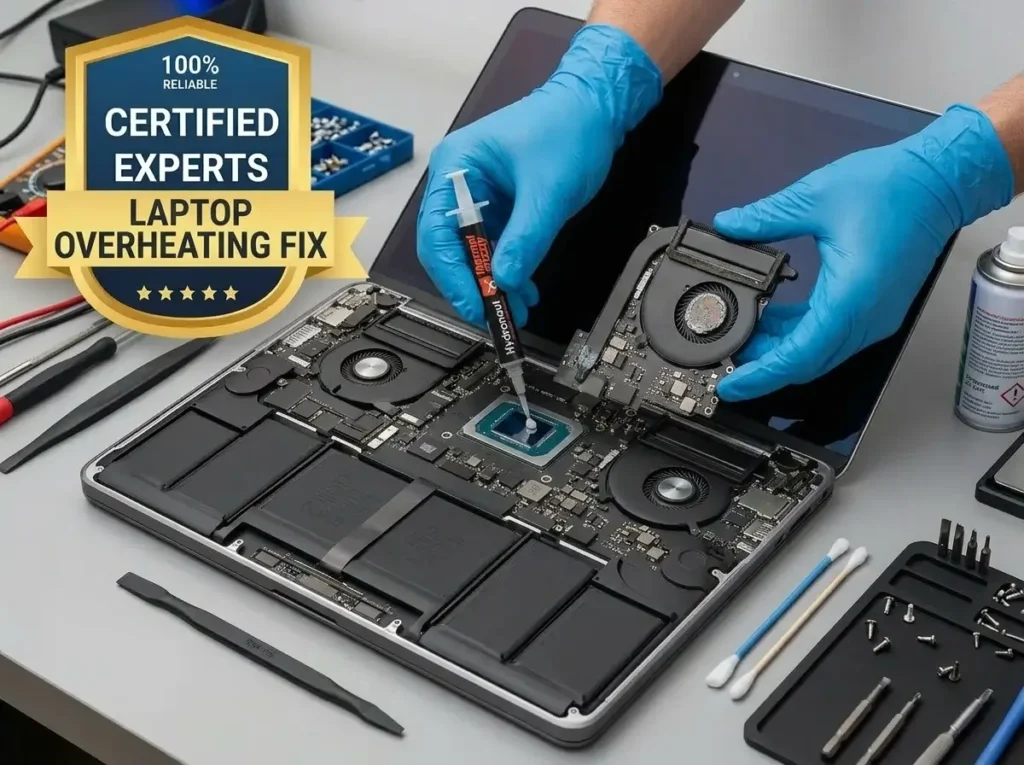
Your laptop CPU is overheating even when the fan is working perfectly. The thermal paste dries out and cracks over time, and stops conducting heat altogether. We safely remove the old dried paste, clean the CPU and GPU die surface, and apply fresh professional-grade thermal compound. Temperatures typically drop by 15 to 30 degrees Celsius after this fix.
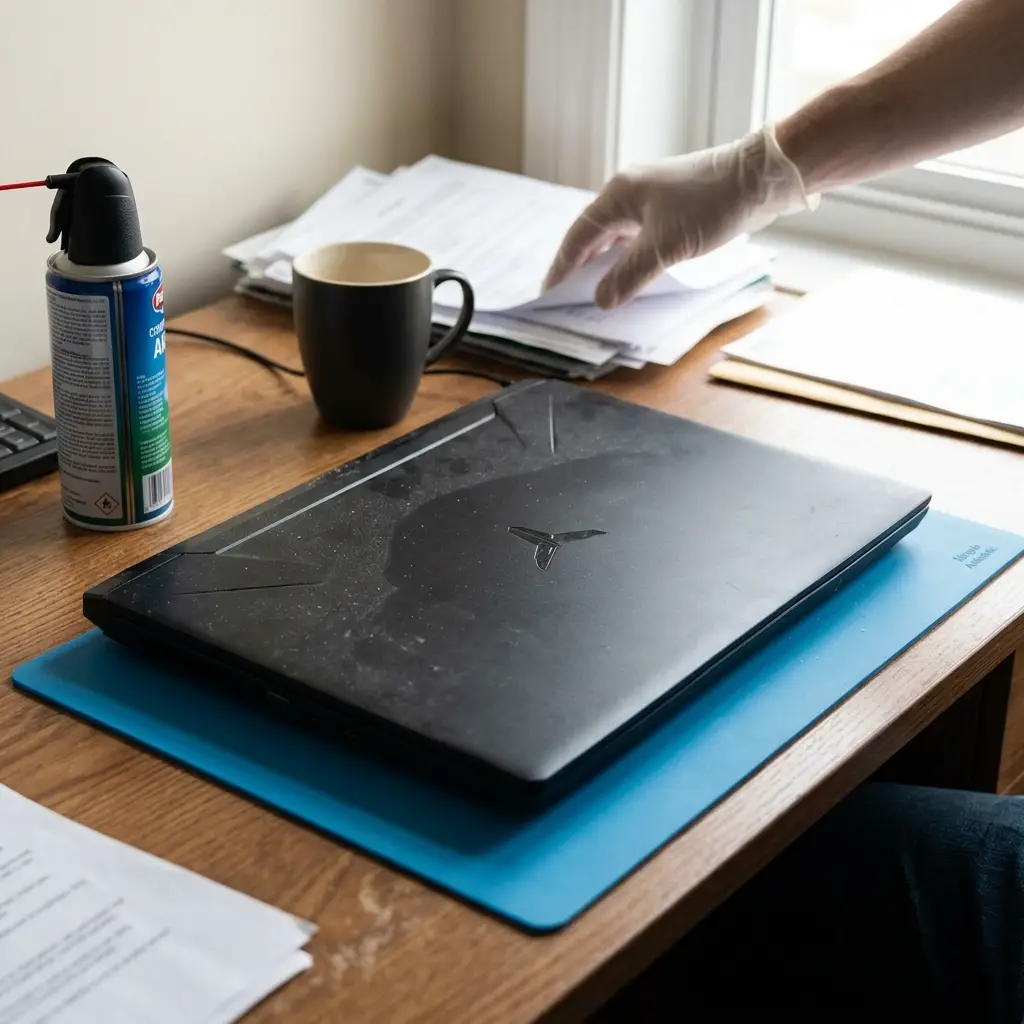
Cooling Pads Service
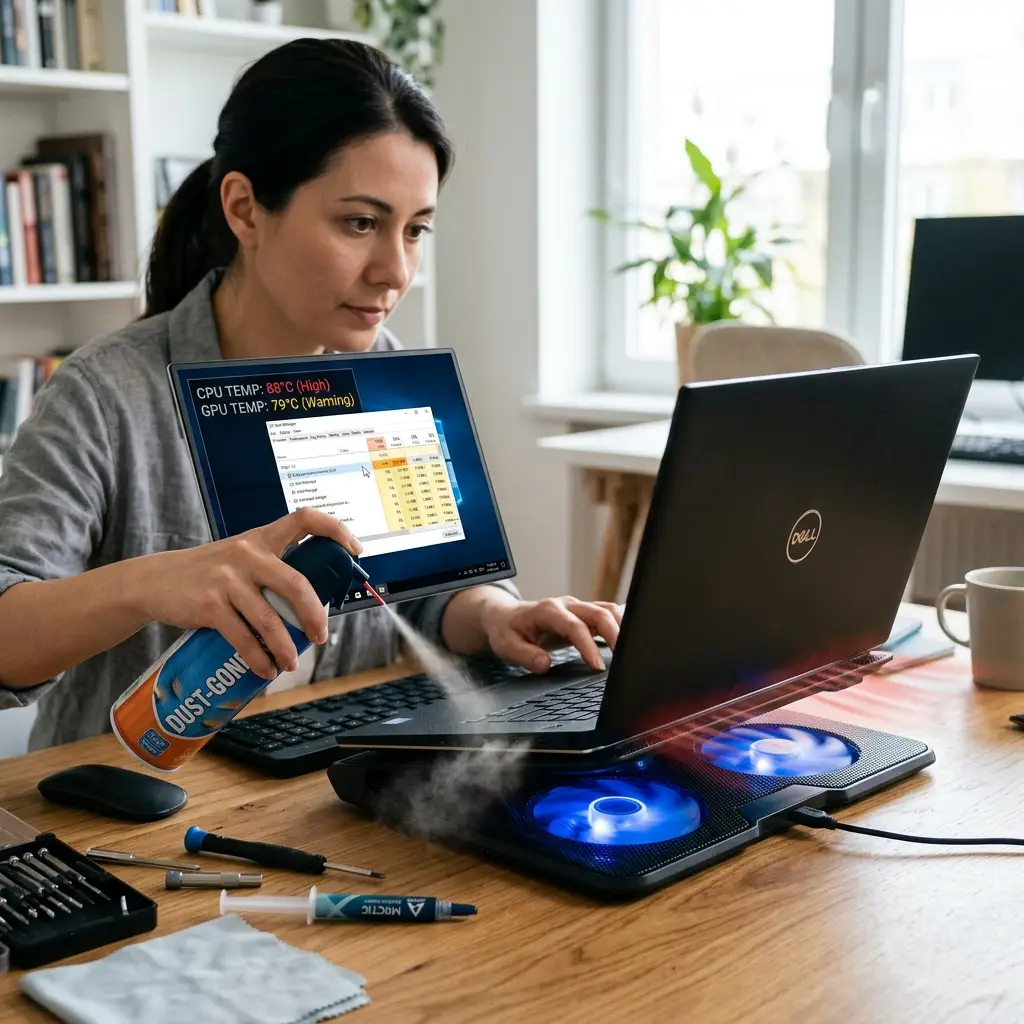
Not every cooling pad fits every laptop. At LaptopTech.Net, we evaluate your exact laptop model and usage pattern and recommend or set up the right cooling pad configuration. For Dell laptop overheating on an XPS or Alienware G15, or for overheating HP laptop Omen setups, the right external cooling support fixes your system’s entire overheating issue.
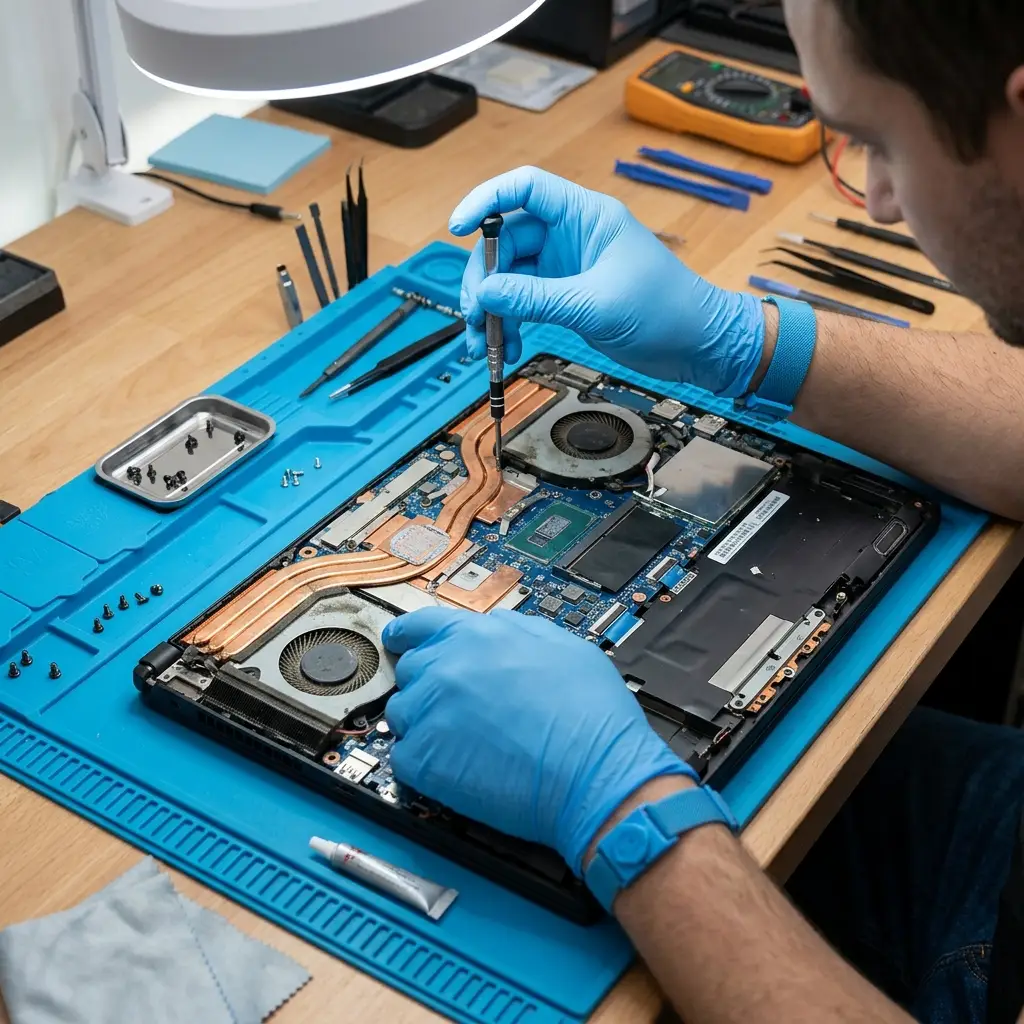
Background Processes & Drivers Management
Corrupted drivers, outdated BIOS firmware, runaway background processes, or misconfigured system software push your CPU to 90 to 100 percent usage constantly, generating heat even at idle. Our technicians audit your running processes, identify heavy software, update or roll back faulty drivers, and optimize your startup programs. To cool down your processors.
Power Settings Adjustment
Your laptop runs hot even on light tasks because it's set to maximum performance mode all the time, even on battery. We configure your Windows power plan or macOS energy settings to match how you actually use your laptop. We set up your power consumption settings correctly so your laptop stays cool without compromising the performance you actually need.
Book Same Day Laptop Overheating Repair At Cheap Prices
Stop your overheating laptop from damaging internal PC parts permanently. Book a same day laptop overheating service near me in Las Vegas. We fix every issue with OEM parts and a full warranty.
Get Started for FREEFix Your Laptop Today
Laptop Overheating Ends Here Today!
#1 Trusted Choice of Every Las Vegas Laptop User to Fix Overheated Laptops
An overheating laptop left unfixed doesn’t just slow you down. It can genuinely fry your CPU, damage your GPU, warp your motherboard, and destroy your data. DIY home fixes like buying a cooling pad without fixing the root cause won’t save your laptop in the long run.
At LaptopTech.Net, we never randomly repair the issue. We run a full thermal diagnostic, identify the exact cause of your laptop is overheating, and fix it properly with a warranty on parts and labor. That’s why hundreds of Las Vegas businesses and remote workers trust us with their devices every month.
Stop the Heat. Save Your Device.
We Handle Every Brand & Model to Fix Laptop from Overheating
People complain Dell laptop overheating during everyday use. Even under heat, many HP laptops overheat and shut themselves off. If your Lenovo laptop is overheating and choking your processor, it’s high time to visit your nearest laptop fixing shop in Las Vegas.
Our technicians handle ASUS, Acer, Razer, MSI, Alienware, Microsoft Surface, and all gaming laptop brands suffering from heat issues. Stop searching for how to fix overheating laptop. Bring it to us, and we’ll fix it permanently, not temporarily.

Why Las Vegas People Choose LaptopTech.Net for Laptop Overheating Service?
We fix the real cause behind laptop overheating the first time. That’s why we’re the most trusted overheating repair specialists in Las Vegas.

Fast Turnaround
People unfortunately trust how to stop my laptop from overheating DIY tricks that don't last. We offer same-day laptop overheating fix in Las Vegas so you're back to work by evening.

Proven Track Record
Over a decade of fixing overheating laptops in Las Vegas. We've repaired thousands of Dell, HP, and Lenovo devices of different models with severe heat damage.

No Hidden Fees
We give you a fixed laptop repair price covering parts, labor, and warranty. The price we quote is the price you pay. No surprise, hidden service charges after the repair asked.

Customer Satisfaction Guaranteed
We still have customers from 2009. They come back because we fix laptop overheating issues honestly, fast, and fairly. Read our Google reviews and see for yourself.
Service Areas
We proudly offer services all around Las Vegas, Henderson, Downtown, North Las Vegas, The Strip, Silverado Ranch, Southern Highlands, Summerlin, Anthem, and Seven Hills. Walk ins welcome for every laptop overheating service near me.
The most common causes of laptop overheating are a clogged or failing fan, dried thermal paste on the CPU or GPU, blocked air vents, or heavy software load. Dust buildup over time is the number one reason most Dell, HP, Lenovo laptops start running hot.
A proper laptop overheating fix requires cleaning the internal fan, replacing degraded thermal paste, clearing dust from the heat pipes, and checking for BIOS/driver issues. Cooling pads help slightly, but don’t fix the main cause. Bring it to a certified technician for a permanent fix.
The cost of a laptop overheating service depends on the brand and model. A fan cleaning and thermal paste replacement typically starts at an affordable flat rate. At LaptopTech.Net, we offer free diagnostics, so you know the exact cost before any repair begins.
Yes. A consistently overheating laptop can damage the CPU, GPU, motherboard, and even the laptop screen if the heat is not fixed. The longer you wait, the more expensive the repair becomes. Same day service prevents permanent damage.
To prevent a laptop from overheating, keep vents clear, use your laptop on hard, flat surfaces, get a professional fan cleaning every 12 months, and replace thermal paste every 2 to 3 years. Our team can also advise you on model specific overheating prevention tips for your Dell, HP, or Lenovo after every repair.